


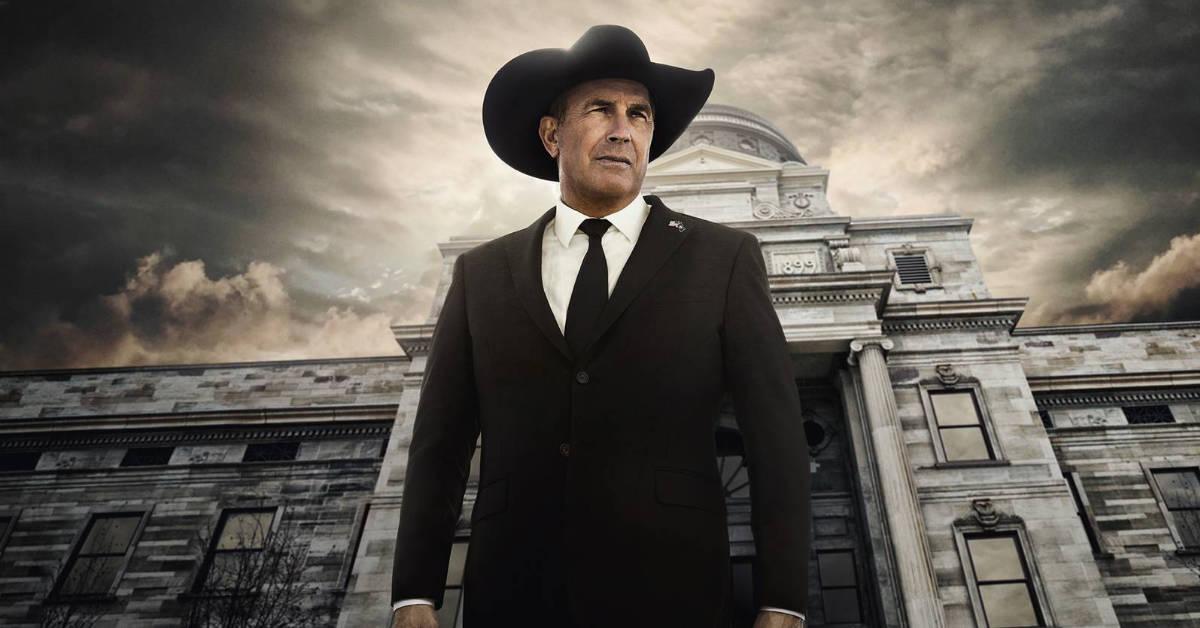
After a two-year hiatus, cable television’s top family drama “Yellowstone” is set to return to Paramount Network with an all-new season on Sunday, November 10 — but you don’t have to have a cable or satellite subscription to watch it.
The second half of Season 5 — officially called “Season 5B,” or “Season 5 Part 2” — of Yellowstone is likely to be the most-explosive yet. The first half of Season 5 (Season 5A / Season 5 Part 1) ended with John Dutton taking his office as Governor of Montana, and immediately implementing a plan to shut down Market Equities CEO Caroline Warner’s plan to build a major development near his prized Yellowstone ranch. Beth Dutton winds up outsmarting the head honchos at Market Equities, but might be in over her head. Meanwhile, Jamie Dutton is furious that his father was elected to the role of governor, a job he wanted for himself — and he moves forward with articles of impeachment against his father. The season ends with a heated confrontation between Beth and Jamie that does more to risk the future of the Yellowstone ranch than anything John could have imagined.
Season 5 Part 2 will eventually see the departure of Kevin Costner from his starring role as John Dutton — we’re not sure when it will happen or how, which will make the last episodes of Season 5 Part 2 all the more compelling to watch.

Let’s clear up a huge misconception about how to watch Yellowstone — despite what you may have read from other publications, Season 5B will not be available to stream on Peacock when the show starts up again in November. Peacock only has the rights to offer older episodes of Yellowstone, including Season 5 Part 1, but won’t be offering Season 5 Part 2 for quite some time, if at all (there are reports Paramount wants to take the show back for its own streaming service when its contract with Comcast expires next year).
So, how do you watch new episodes of Yellowstone when they start airing on Paramount Network? There are a few great options — and you might even be able to watch the first few episodes for free.
Here’s a look at the best streaming services that offer live access to Paramount Network and of Yellowstone Season 5 Part 2, with the top option being the cheapest (consider all the options, though — some may have additional channels or features that you might like).

1. Philo
Cost: $28 a month
Free trial: Yes (7 days, no obligation)
Number of channels: Nearly 200 cable networks and streaming-only channels
Cloud DVR: Unlimited, saves recordings for 1 year
Get it: Click or tap here
Simply put, Philo is the CHEAPEST way to watch and record all new episodes of Yellowstone: Season 5 Part 2 as they air on the Paramount Network every Sunday. Philo offers Paramount Network in its base package of over 80 general entertainment, lifestyle and knowledge channels, and they’ll even give you seven days to try out the service without any commitment — which means you can watch the first episode of Yellowstone: Season 5B absolutely free. Philo carries the East Coast feeds of channels, which means Yellowstone: Season 5 Part 2 will air three hours early for the West Coast. (That’s 5 p.m. Pacific Time.)
Philo is supported on all major streaming platforms — Roku, Amazon Fire TV, Android TV (Google TV) and Apple TV — and also works with smart TVs made by Samsung, LG and Vizio. The Philo app for smartphones and tablets offers the same channels and features as its TV apps. Plus, Philo offers a seven-day free trial to new customers who sign up by clicking or tapping this link.
What else do you get with Philo? Channels like Hallmark and Great American Family, which are currently running Christmas movies, plus general entertainment and lifestyle networks like Discovery Channel, Animal Planet, Food Network, Tastemade, A&E, History Channel, Comedy Central, BET, MTV, VH1, Nickelodeon, TV Land, AMC, BBC America, BBC World News and IFC. Philo also includes the ad-supported tier of AMC Plus as part of their service, with no extra cost (though you can pay a few dollars to remove ads from AMC Plus). Starz and MGM Plus are available for separate fees.
How many people can watch Philo at once? Philo allows subscribers to create 10 individual profiles, each with its own channels favorite lists and cloud DVR storage. Three users can stream content from Philo at the same time.

2. Sling TV
Cost: Starts at $40 a month (Paramount Network requires separate add-on)
Free trial: Sometimes
Number of channels: Between 35 and 50, depending on package
Cloud DVR: 50 hours for free, 200 hours for extra fee
Get it: Click or tap here
Sling TV was one of the first streaming cable alternatives on the market. The Dish Network-owned streaming service is also available on tons of platforms, with nearly every phone, tablet, smart TV set, game console and streaming device able to access Sling TV’s lineup of live and on-demand channels.
Sling TV is also the most-flexible service, allowing streamers to start with a small base of top-tier entertainment, news and sports channels (Sling Orange, which includes ESPN and Disney, or Sling Blue, which offers Fox, NBC, Fox News and FX) for just $40 a month, then tack on extra news, sports and entertainment channels for small, additional fees.

Unfortunately, at Sling TV, Paramount Network is one of those channels that requires an add-on package. Streamers who want to watch Yellowstone: Season 5 Part 2 on Sling TV will have to purchase the Entertainment Extra add-on package, which costs an extra $6 a month. That means streamers will pay Sling TV at least $46 a month to access Paramount Network and Season 5 Part 2 of Yellowstone (think of it as a “Yellowstone tax”).
Sling TV’s DVR offering is also not as great as its competitors — the service only allows users to record up to 50 hours of content as part of its base package, and charges an extra $5 a month to expand that to 200 hours. Others, like Philo, don’t charge extra for their cloud DVR storage and offer significantly more storage space.
That said, you get a lot of things with Sling TV that you don’t with the cheaper service, Philo, including access to sports networks like ESPN (Sling Orange), ABC (Sling Blue, in some areas), Fox (Sling Blue, in some areas), NBC (Sling Blue, in some areas), NFL Network (Sling Blue), TBS (Sling Orange) and TNT (Sling Orange). So, if you want to watch NFL and college football, along with other sports like basketball and hockey, Sling Orange or Sling Blue might be the better choice.
Sling is widely supported on streaming platforms like Roku, Amazon Fire TV and Android TV (Google TV), and is available as a native app on Samsung, LG and Vizio smart TVs. Sling also offers an app for phones and tablets, and content can be streamed through the Sling website.
Here’s a tip: The first episode of Season 5 Part 2 won’t require the Entertainment Extra add-on package, because it will simulcast across cable channels owned by Paramount when it debuts on Sunday night. That means you can watch the simulcast of Season 5 Part 2 on Comedy Central and BET, channels that are offered in both Sling Orange and Sling Blue, without paying the extra $6 for Entertainment Extra. However, after Sunday night, if you want to watch new episodes or encore airings of Season 5 Part 2, you will need to pay for Entertainment Extra to get Paramount Network.
How to save money: Right now, when you sign up for Sling TV by clicking or tapping this link, you can score $10 off your first month, bringing the price of Sling Orange down to $30 and Sling Blue down to $35. Or, you can purchase both Sling Orange and Sling Blue for $50.
3. Hulu + Live TV
Cost: $82 a month (get it for just $60 by clicking or tapping here)
Free trial: No.
Number of channels: Over 80 in base package
Cloud DVR: Unlimited, saves recordings for 9 months
Get it: Click or tap here
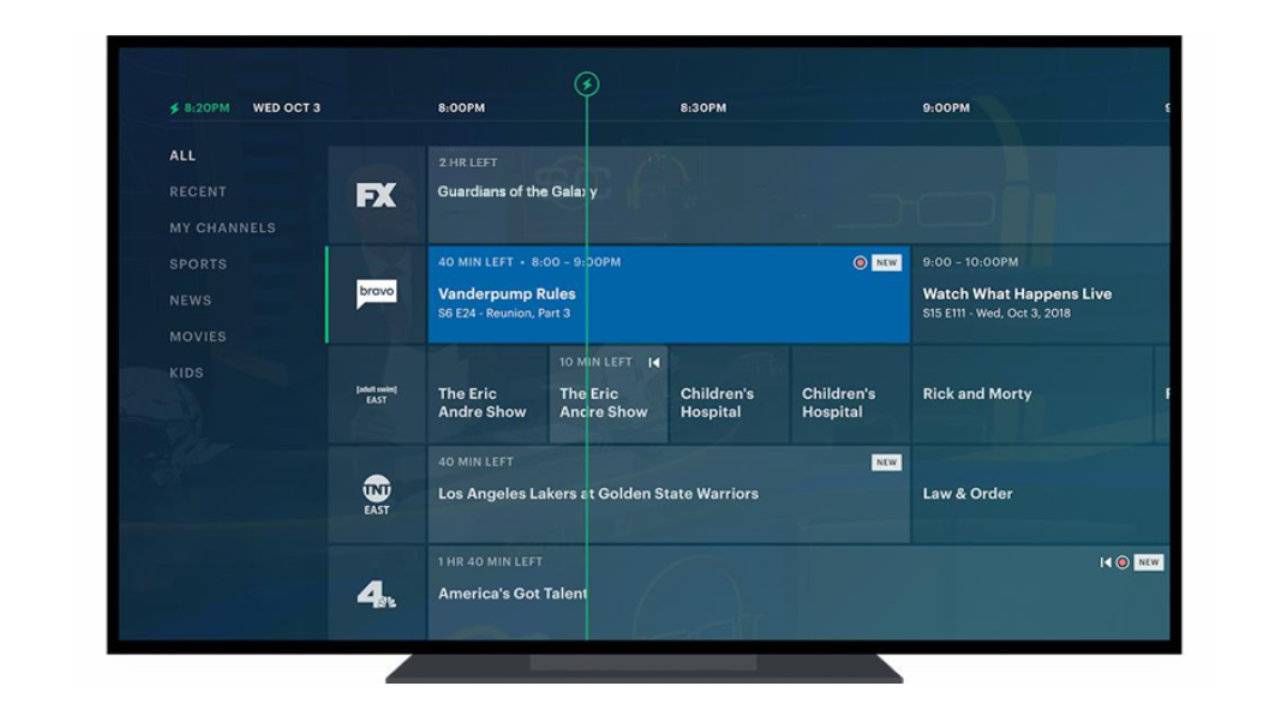
Hulu + Live TV was made for TV lovers. In addition to Yellowstone on Paramount Network, it offers local broadcast channels like ABC, CBS, Fox, NBC and CW Network, plus news and sports networks like CNN, Fox News, MSNBC, ESPN, Fox Sports 1, CBS Sports Network and sports-inclusive channels like TBS, TNT and Tru TV. There are also general entertainment channels like FX, Disney Channel, Cartoon Network, A&E, History Channel, Lifetime, MTV, Nickelodeon, TV Land, TLC and Pop TV. Plus, with a Hulu + Live TV subscription, you get access to the content libraries of Hulu, Disney Plus and ESPN Plus — all included, with no extra fees.
Want a deal? Hulu + Live TV is just $60 per month for three months when you sign up by clicking or tapping this link, making it one of the most-affordable ways to watch Yellowstone: Season 5 Part 2 plus local news, live sports, movies and TV shows. Hulu + Live TV works on all popular streaming platforms — Roku, Amazon Fire TV, Android TV (Google TV) and Apple TV — and has apps for smartphones and tablets, too.
Here’s a tip: If you are already paying for Disney Plus, Hulu or ESPN Plus, you should choose Hulu + Live TV — you get all three services as part of your Hulu + Live TV package, which means you’ll save money over the long-term.
4. YouTube TV
Cost: $73 a month
Free trial: Sometimes
Number of channels: Over 80 in base package
Cloud DVR: Unlimited, saves recordings for 9 months
Get it: Click or tap here
YouTube TV is the true cable or satellite replacement on our list — it offers local ABC, NBC, CBS and Fox affiliates in most areas, access to a live stream of local PBS member stations and has the best mix of general entertainment, sports, news and children’s channels. It even includes Paramount Network in its base package, and will save an unlimited amount of shows and movies for at least nine months.
Unlike Philo, which offers East Coast feeds across all its channels, YouTube TV does offer time-shift networks in the western part of the United States — which means some people will have to wait until 8 p.m. to watch Yellowstone: Season 5 on Paramount Network. But that won’t be a big deal to people who are watching NBC’s Sunday Night Football, which is also carried on YouTube TV, and flipping back and forth between those channels will be super simple.
YouTube TV is widely available across a number of devices, including all popular streaming TV platforms — Amazon Fire TV, Android TV (Google TV), Roku and Apple TV — as well as on phones, tablets and computers. There’s even a YouTube TV app for those who stream movies and shows on their Samsung, LG and Vizio TVs without a separate device, so you really can’t go wrong with YouTube TV.
People who just want to watch Paramount Network and Yellowstone: Season 5 Part 2 at the best-possible price should still strongly consider Philo or Sling TV, especially if they already receive their local broadcast stations with an antenna and don’t feel the need to watch anything else on cable. But those who want an actual, full-feature cable replacement without cable pricing should go for YouTube TV.
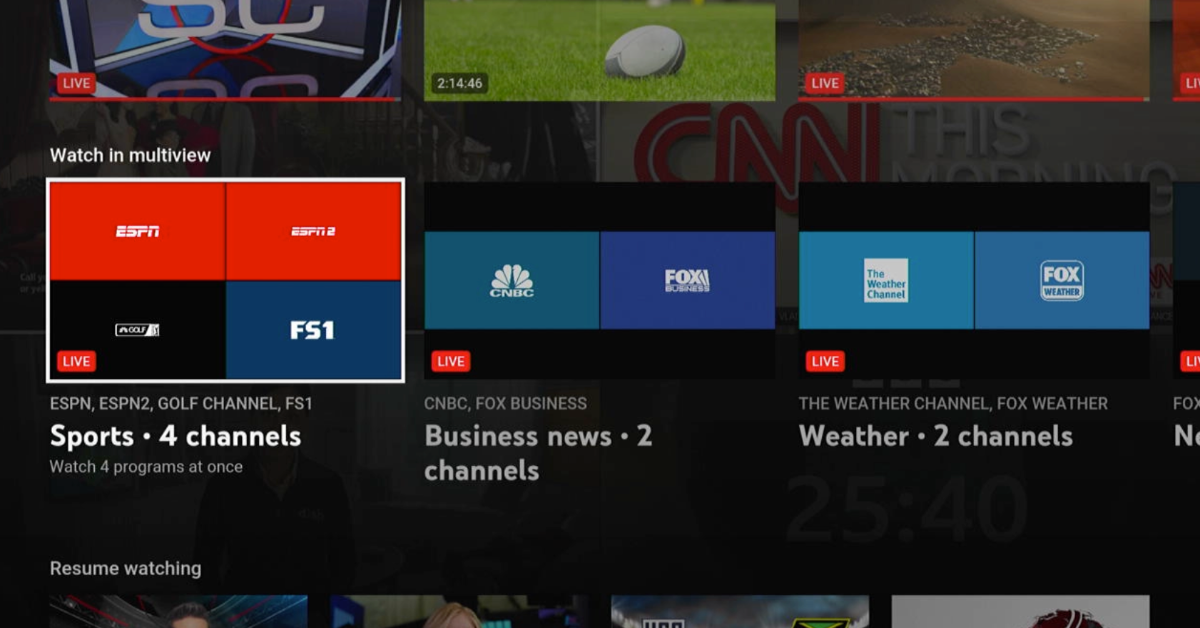
Here’s a tip: YouTube TV is one of the few services that will let you customize your TV guide. You can sort channels alphabetically or even move channels around so your most-watched channels are at the top of your guide. YouTube TV is also one of two services that offers the NFL Sunday Ticket (the regular YouTube app is the other), which starts at $350 per season, but is sometimes offered at a deep discount in the middle of the season. YouTube TV also carries live basketball, baseball, hockey and college sports, and has a robust selection of entertainment, lifestyle and movie channels — though you’ll pay for the privilege of accessing them.
Other Services to Consider
- Fubo: At $80 a month, Fubo TV is far from the cheapest service around, but it does offer a good mixture of general entertainment, lifestyle, local broadcast and cable news channels, including Paramount Network. Streamers who want a ton of top-tier sports should consider Fubo but those who simply want a cheap way to watch Paramount Network and Yellowstone: Season 5 have better choices. A free trial is available to streamers who click or tap this link, but be mindful that most Fubo packages have fees for regional sports networks that cause the price to go up considerably after the free trial is over.
- DirecTV Stream: DirecTV Stream used to be an incredible value for watching TV shows, movies and live sports, but a series of price hikes over the years have made it one of the more-expensive live TV services. Still, if you want access to certain regional sports networks that aren’t offered on other services, and you’ve been thinking about cutting the cord, DirecTV Stream might be a compelling way to go. DirecTV Stream is also one of the few services that offers its own streaming hardware, complete with a full-functioning smart remote, though you can use any platform like Roku or Amazon Fire TV with the service.
- Amazon Prime Video: If you absolutely don’t want cable for anything (i.e., you watch broadcast TV and use free streaming news services), you’ll save a lot of money by just purchasing Season 5 outright on a video store like Amazon Prime Video. Each season of Yellowstone will run about $30 to $40, depending on sales (right now, you can buy Season 5 Part 1 and Part 2 for just $40, and new episodes of Season 5 Part 2 will be available to stream or download a few hours after they air on Paramount Network). One upside is that you own a licensed copy of each season, and there’s no commercial interruptions. For people who don’t want recurring bills and have no use for other cable channels, this is a very cost-effective way to stream episodes of Yellowstone.
- An antenna: CBS will air an edited version of the premiere episode of Yellowstone: Season 5 Part 2 on Sunday, November 10 at 10 p.m. Eastern/Pacific Time. It isn’t clear if subsequent episodes will air on CBS in an edited fashion, so a cable-like streaming service or rentals through Amazon Prime Video are still your best bets to catch all episodes of Yellowstone: Season 5 Part 2 on Paramount Network.
Why can’t I watch Yellowstone Season 5 Part 2 on Paramount Plus?
New episodes of Yellowstone — including all of Season 5 — are only avaliable to watch on Paramount Network, which is a cable channel. It is different from Paramount Plus, which is a streaming service.
Past episodes of Yellowstone are also not available on Paramount Plus, because they were licensed years ago to Comcast’s streaming service Peacock. Viewers who want to “catch up” on Yellowstone will have to subscribe to Peacock’s Premium tier, which costs $5 a month (ad-supported) or $10 a month (ad-free).
The Yellowstone prequels “1883” and “1923” are only available on Paramount Plus, which starts at $8 a month.
So, in a nutshell:
- If you want to watch Sesaon 5 Part 2 of Yellowstone, you need access to Paramount Network
- If you want to watch Seasons 1-4 and Season 5 Part 1 of Yellowstone, you need to subscribe to Peacock
- If you want to watch Yellowstone prequels like 1883 or 1923, you need to subscribe to Paramount Plus
In a few years, this whole mess will be sorted out — executives at Paramount Global say they fully intend to reclaim streaming rights to Yellowstone for Paramount Plus, which will be extremely convenient for subscribers — one streaming place for all things Yellowstone. But, at least for a few more years, we’ll just have to deal with this chaos.